The seating chart generator that seats guests by who clicks, not who knows whom
Share one link or QR. Guests answer a short compatibility quiz and get assigned a table dynamically for dinner parties, mixers, rehearsal dinners, weddings. Free.
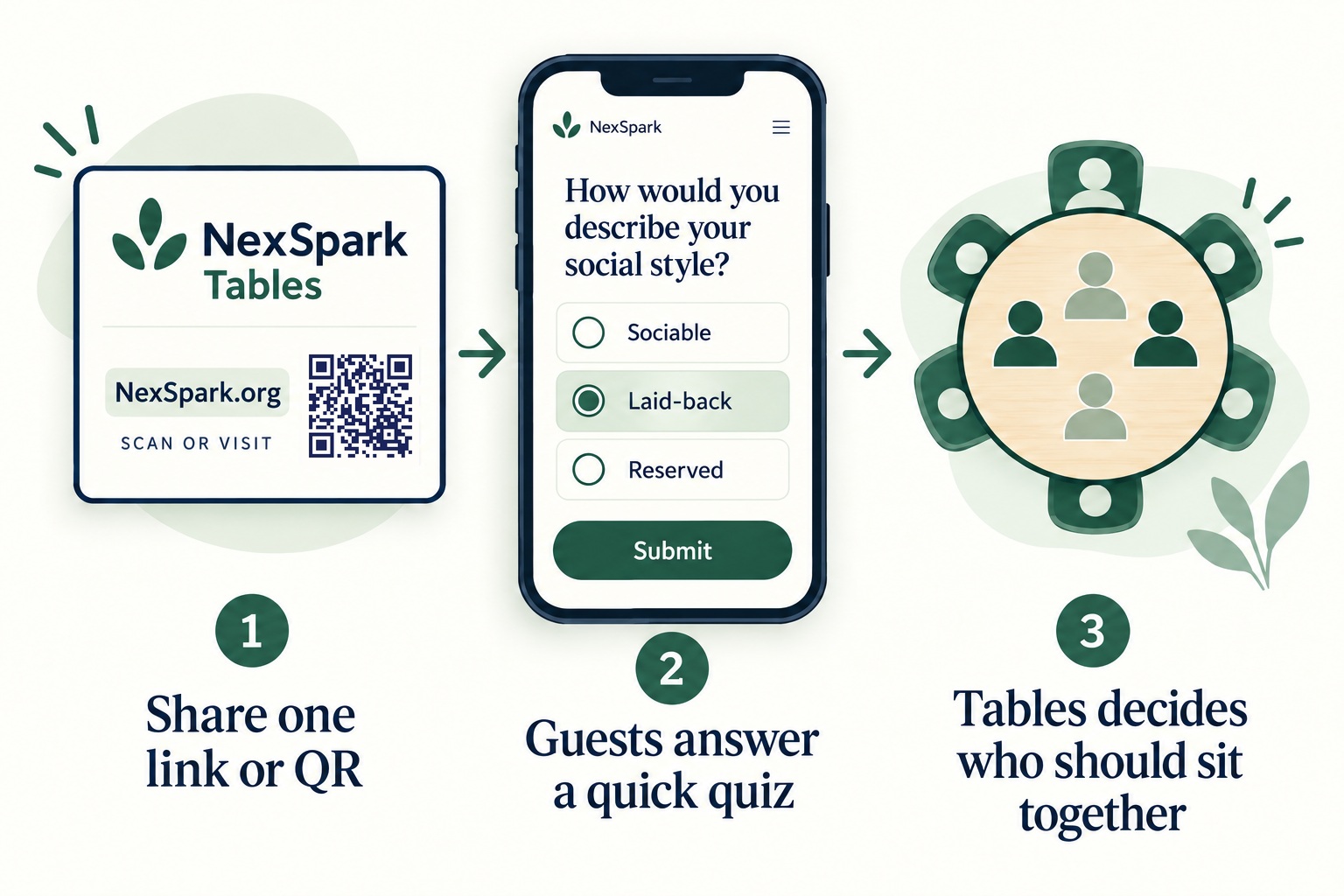
How it works
- Create your event and share one link or QR: on the invite, in the group chat, or printed at the door.
- Each guest gives a first name and answers a short compatibility quiz; you choose how long below.
- Tables form themselves as answers come in, using the same matching NexSpark Friends uses for Circles. Watch it live on your dashboard, nudge anyone by hand, then lock the chart when it’s right.


Create your event
Default room and quiz settings: 6 per table, tables form as needed, 2-minute quiz, automatic seating.
Room and quiz settings
You can change both any time from the dashboard; raising the count auto-seats anyone waiting.
Free to host. Creating an event means agreeing to our Terms, which cover guest data and your responsibility for who you invite.
Why this beats a drag-and-drop seating chart
Every seating chart tool on the internet helps you arrange names. Tables decides who should sit together, using the same compatibility matching NexSpark Friends uses to build friend Circles. Each guest answers a short quiz about how they really socialize: their pace, their humor, how they take up space in a conversation. The algorithm composes tables where the conversation carries itself, complementary personalities, similar life stages, matched energy, instead of leaving it to chance.
A drag-and-drop chart still asks you to guess. You know who’s related to whom and who RSVP’d with a plus-one, but you don’t really know whether your cousin’s fiancé and your old coworker will have anything to say to each other once the small talk about the couple runs out. Tables replaces that guess with an answer from the guest: a short quiz on pace, humor, and social comfort, scored against everyone else on the list the same way, so the table itself does some of the work a good host used to have to do on instinct alone.
The matching doesn’t run the room instead of you. You still set the room’s real table count, drag anyone anywhere, pin the people who need to stay put, and seat a guest who skips the quiz by hand from the dashboard. Prefer no matching at all? Switch the event to Invites & check-in only and Tables becomes personal invite links and door check-in, nothing more. Tables is one piece of NexSpark’s larger set of free quizzes and tools, if this isn’t quite the one you came for.
Weddings, rehearsal dinners, and dinner parties
For an event where you already have a guest list, send the link, or the ready-made invite email Tables builds for you, alongside your RSVPs. Guests can answer any time in the weeks before the event, and you’ll watch the chart fill in on your dashboard as they do, table by table. When it looks right, lock it so nothing moves without you. Anyone you’d rather seat yourself, a grandparent who won’t take a phone quiz, a family member who needs a particular table, gets added and dragged into place from the dashboard by hand, no quiz required. If you’re planning a wedding reception specifically, our wedding reception seating guide goes deeper on the format.
Mixers, meetups, and walk-in events
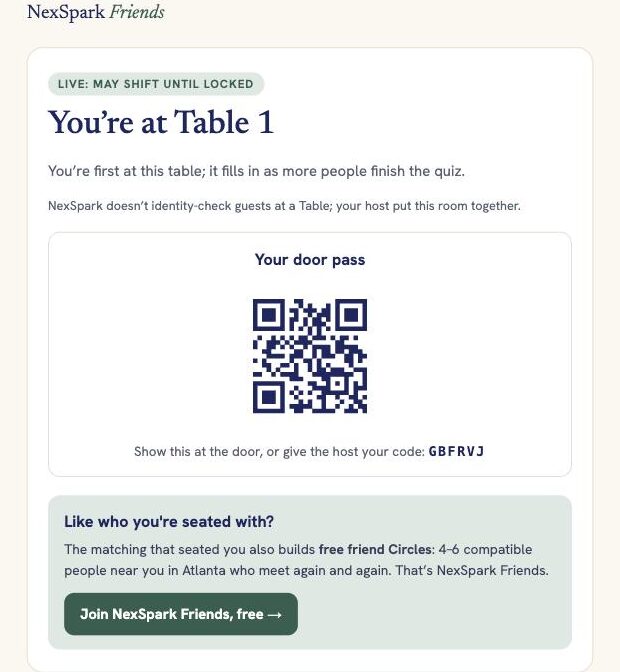
For an event where people show up without an RSVP, print the QR code the Created screen makes and put it at the door instead. A guest scans it, answers the Quick tier standing up (about two minutes), and gets a table number on the spot as the algorithm seats them into whatever’s open. Door check-in works alongside it too, so you get a headcount of who showed up, whether or not you’re using the quiz at all.
Also on your phone
Guests never need an app; the quiz and table lookup work in any browser. If you host often and want your events one tap away instead of a bookmarked link, NexSpark Tables has a free app for hosts.
Questions hosts ask
Is Tables free?
Yes. Creating an event, running the quiz, and using the host dashboard cost nothing, and there's no paid tier to upgrade to.
Do guests need an account or the app?
No. A guest answers the quiz and gets a table with nothing to sign up for and nothing to install; it all runs in the browser they already have open. The phone app is a separate, optional convenience for hosts.
How long does the quiz take?
You choose. Quick is about two minutes and eight questions, built for a door-QR event where people answer standing up. Standard runs about four minutes for RSVP links people answer at home, and Full takes about eight minutes for the most precise tables when your guest list will sit still for it.
What if a guest won't take the quiz?
Add them from the dashboard yourself: type in a name and, if you have it, an email, then drag them onto a table by hand. No quiz required.
Can I use it as a guest list without the compatibility matching?
Yes. Choose Invites & check-in only when you create the event, and Tables becomes a plain guest list: personal invite links and door check-in, no quiz, no tables.
Is there an app for hosts?
There's a free NexSpark Tables app on the App Store and Google Play for hosts who run events often and want their dashboard one tap away. Guests never need it; the quiz and table lookup work in any browser.
Built by NexSpark Friends, the Atlanta community that matches people into small friend groups.